One app. Everything you make.
Forge isn't seven tools glued together. Build, Studio, Research, Games, Finance, Plugins and Automations sit in one sidebar and share the same models, the same safety rules and the same history.
From one sentence to a change you can trust.
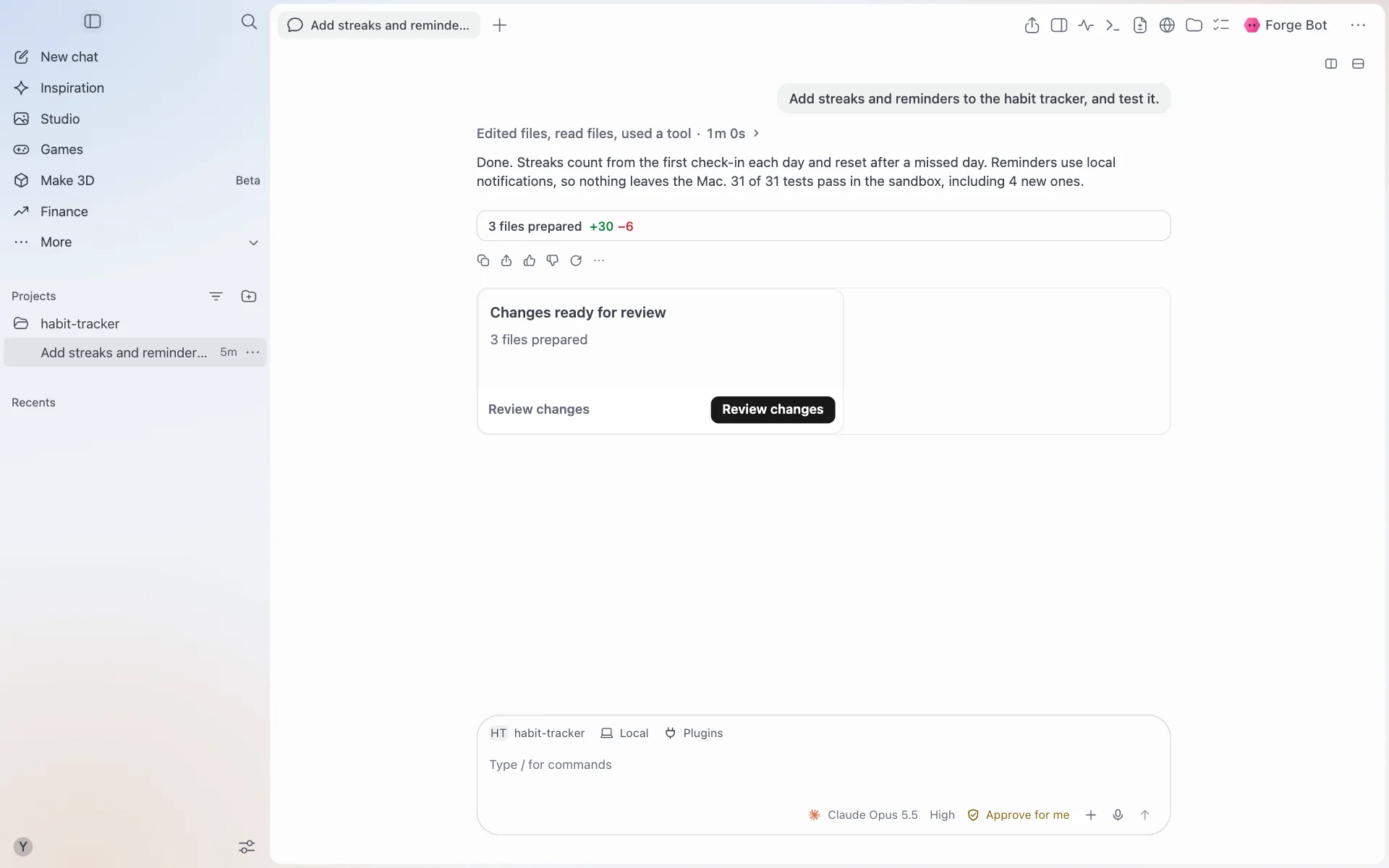
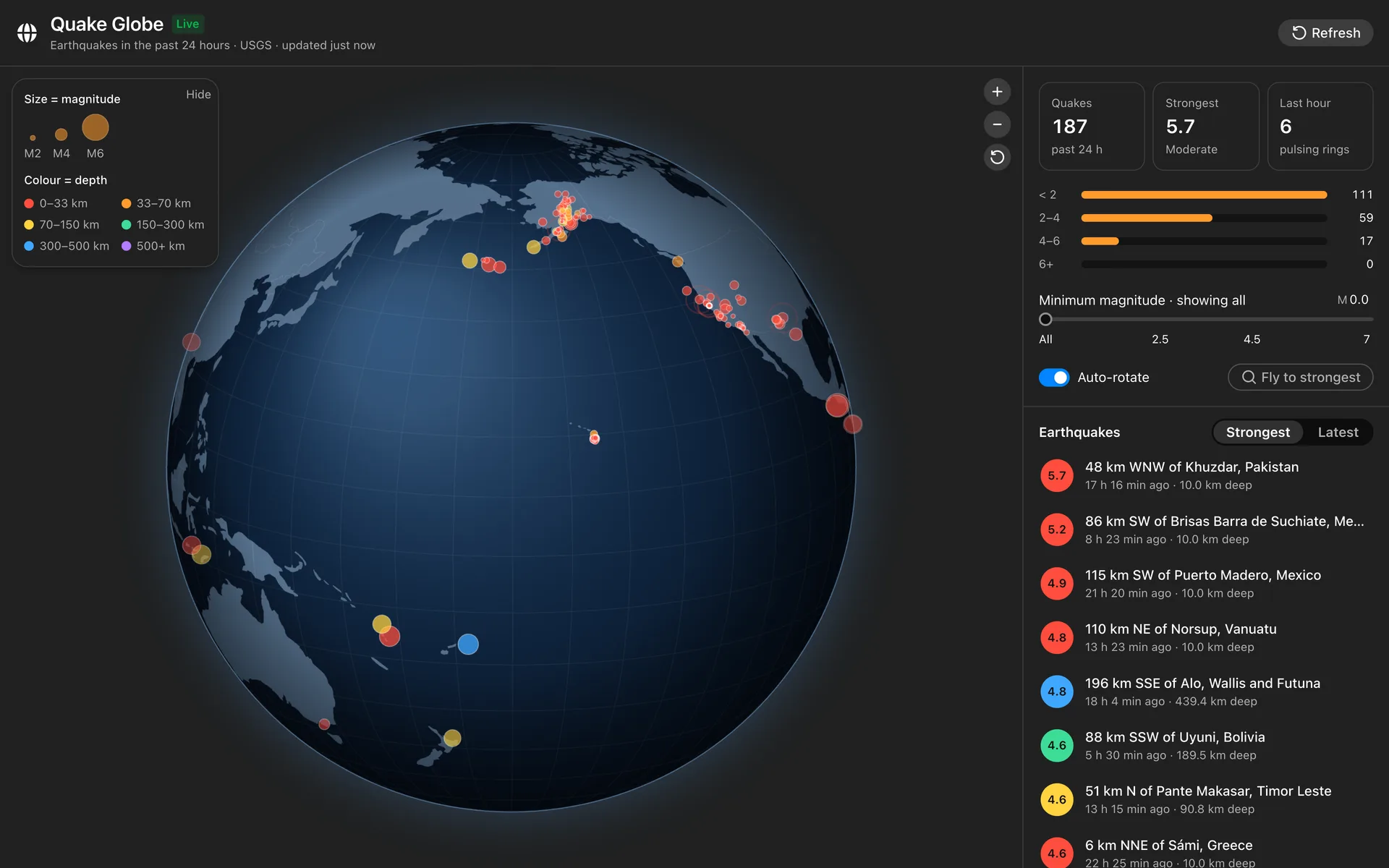
Every task in Forge moves through the same five steps. Here is a real one, the quake-globe Build run: Build a 3D globe of the last day's earthquakes from the USGS live feed, sized by magnitude, and test it.
You ask
Describe what you want in plain words: a feature, a fix, a film, a report, a game.
It reads the project
The context engine maps every symbol and picks the files that matter, so the model reads the right code and nothing else.
It works in a sandbox
Commands run in a container with no network and a read-only system. Your files are untouched while it works.
Tests decide
Related tests first, then the whole suite. A failing check sends the work back to repair, with the failure in hand.
You review
A diff for every file, with the results beside it. Apply it, reject it or undo it later.
Software, built and proven before you see it.
Build works in your project folder, with your own terminal beside it. It reads what it needs through the context engine, writes the change in a sandbox, runs your tests, and hands you a finished proposal. Long runs pick up where they stopped.
The run above was a Build run: 86 turns and 3 repairs on Claude Opus 5.5, $4.69 in model calls; npm test passes 25 tests and 19 files wait for review. This is what it built.
Write the shot once. Render it with every model.
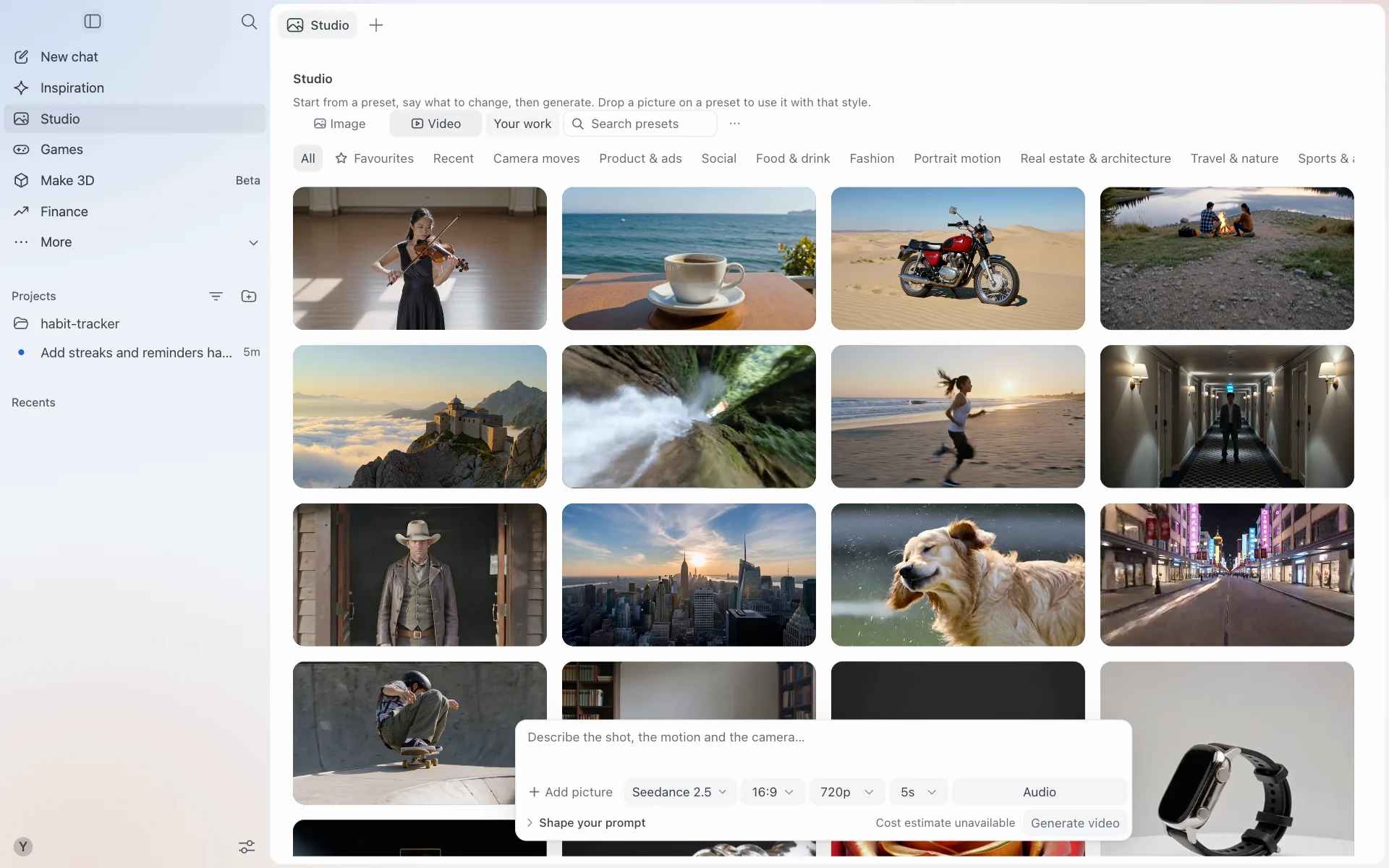
Studio puts twenty image and video models in one panel. Write a scene once, render it with several makers side by side, see the price before every take, and cut the best takes into a film on one timeline.
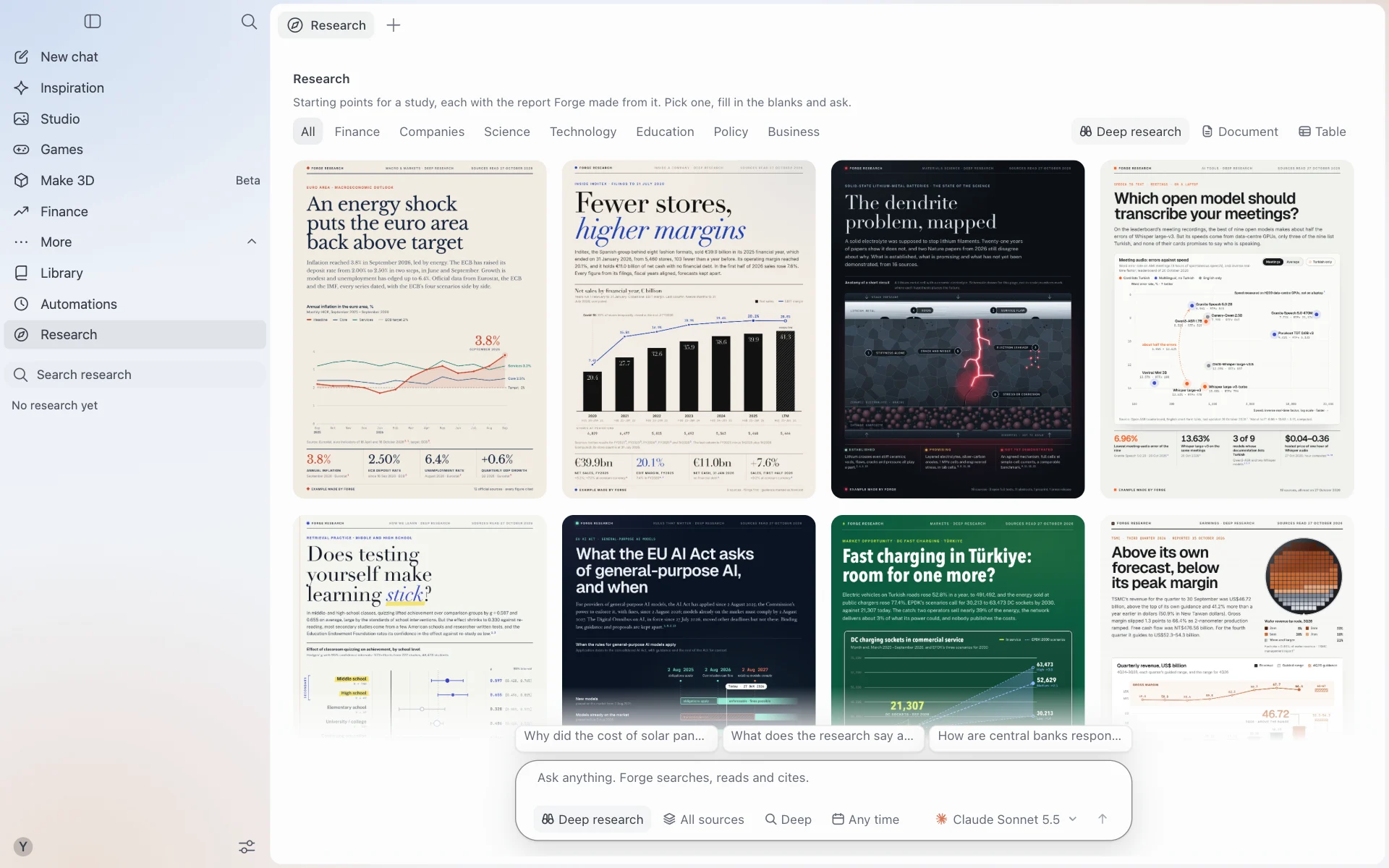
Questions in, sourced reports out.
Research takes a question through five steps to a report where every claim carries its source. Web sources show the real site and its icon, so checking a claim is one look away.
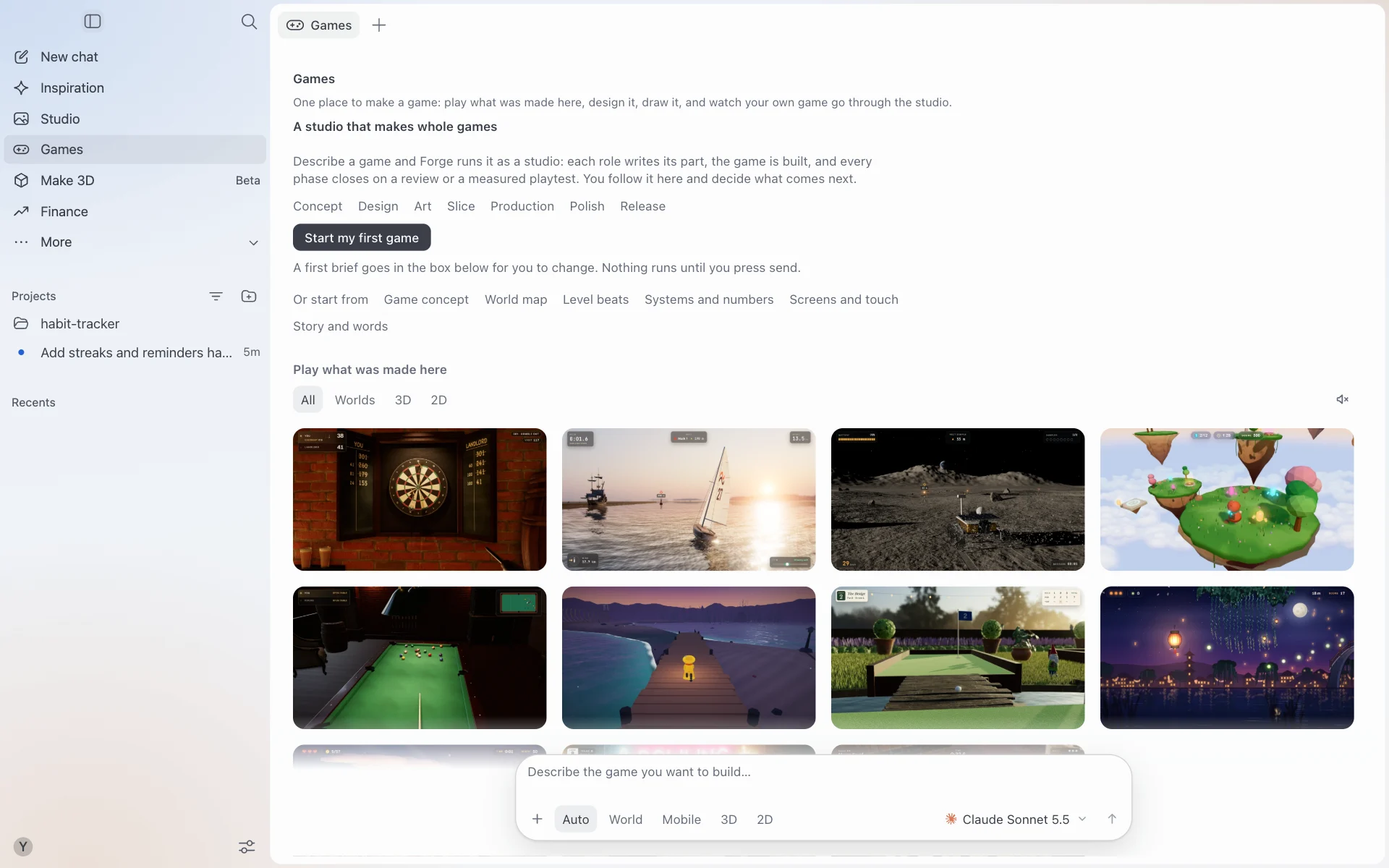
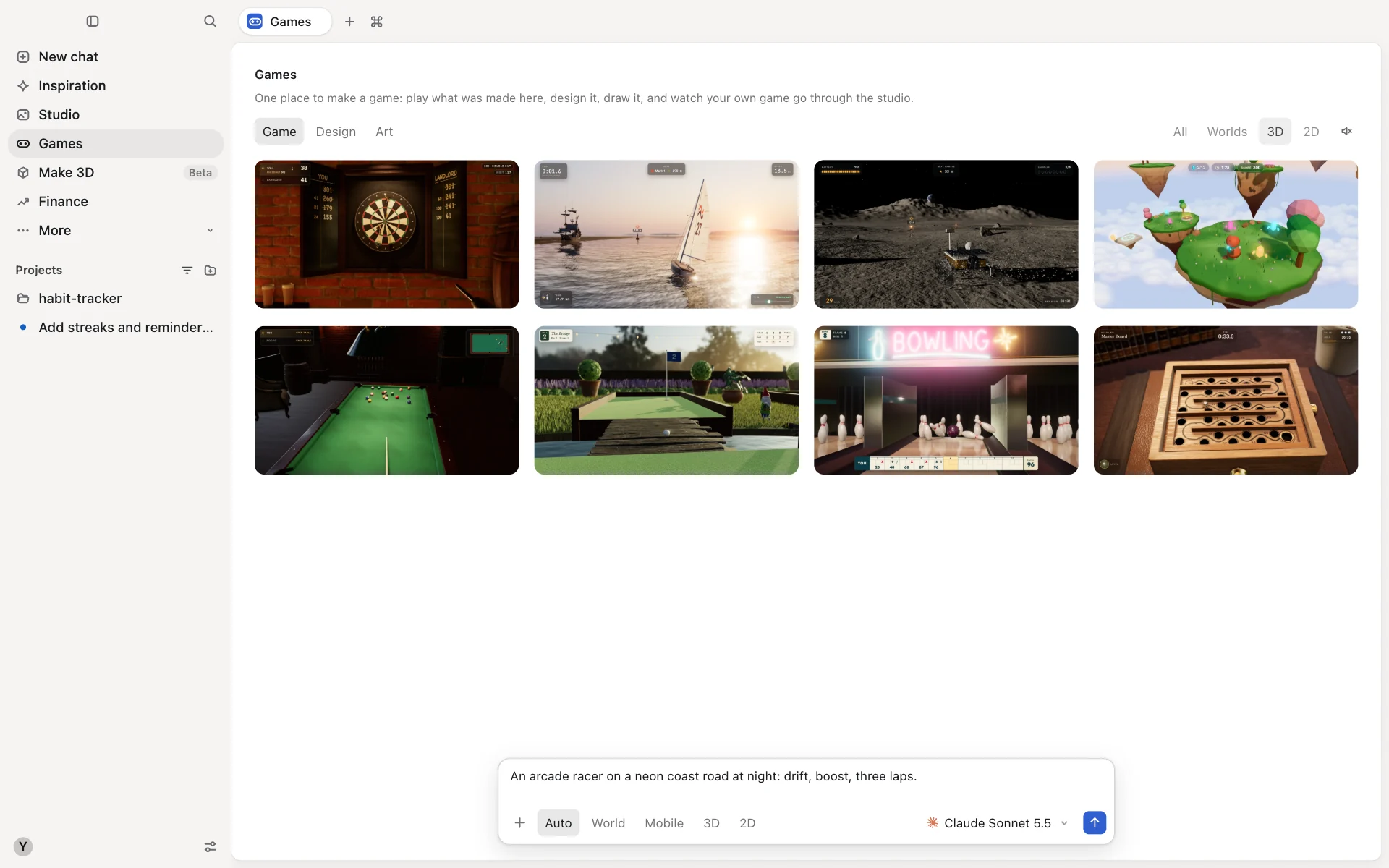
Describe a game. Play it the minute it's built.
Games turns a description into something you can play right away. Every game is kept with the prompt that made it, and each version plays in isolation, so trying a new idea never breaks the last one.
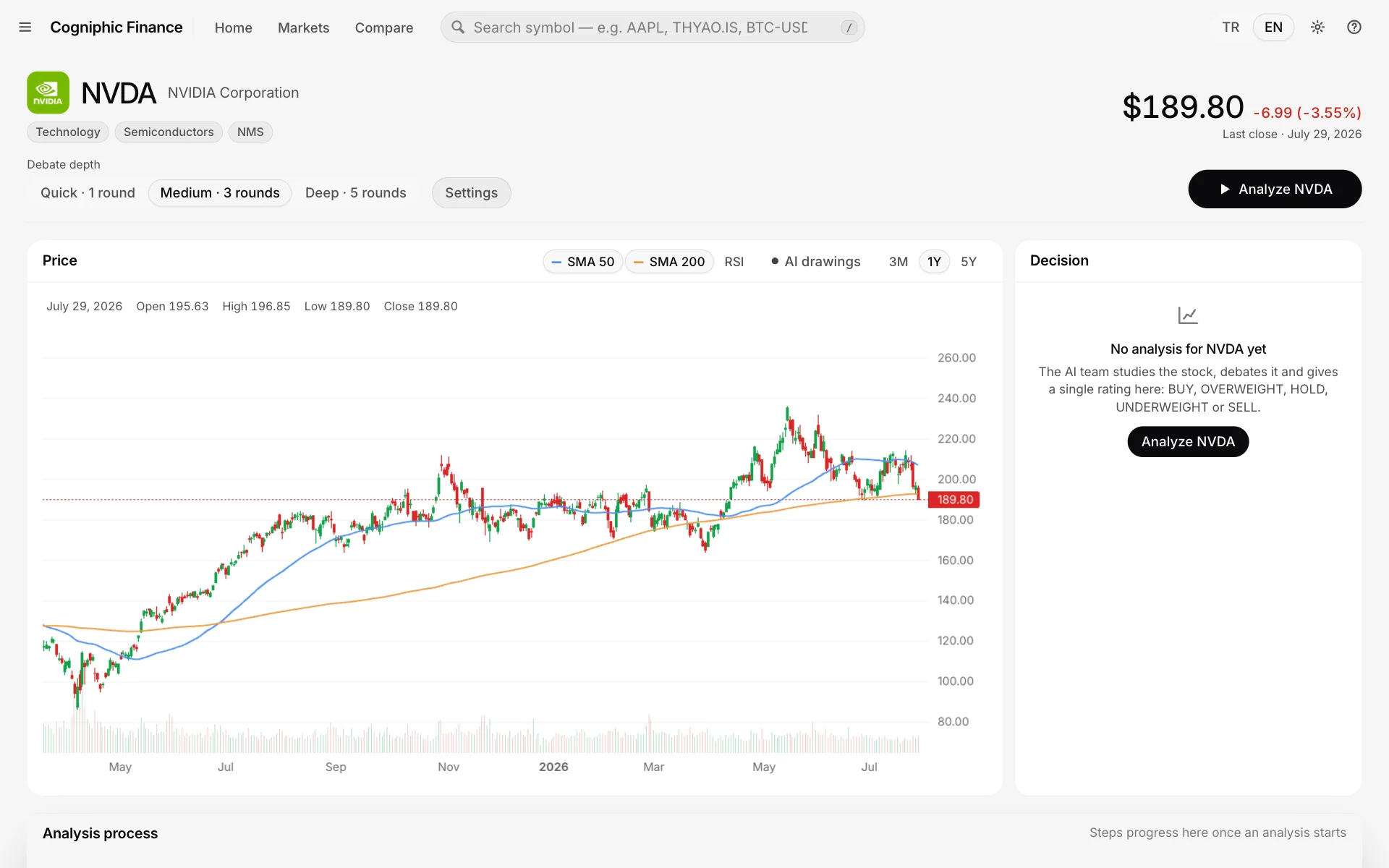
A research team that decides on a stock.
Finance lives in the same sidebar. Pick a stock and a team of agents reads the data, argues both sides, sizes the risk and makes one call, with backtests in the open-source Qlib library. A full analysis costs about a dollar in model calls and takes about twenty minutes.
Your tools, connected once.
Plugins connect Forge to GitHub, Slack, Linear, Notion, Figma and the rest of the catalog over MCP. You sign in once; tokens for apps you connect directly stay in the macOS Keychain (apps connected through Composio keep theirs with Composio), and any tool that may change your data asks before it runs.
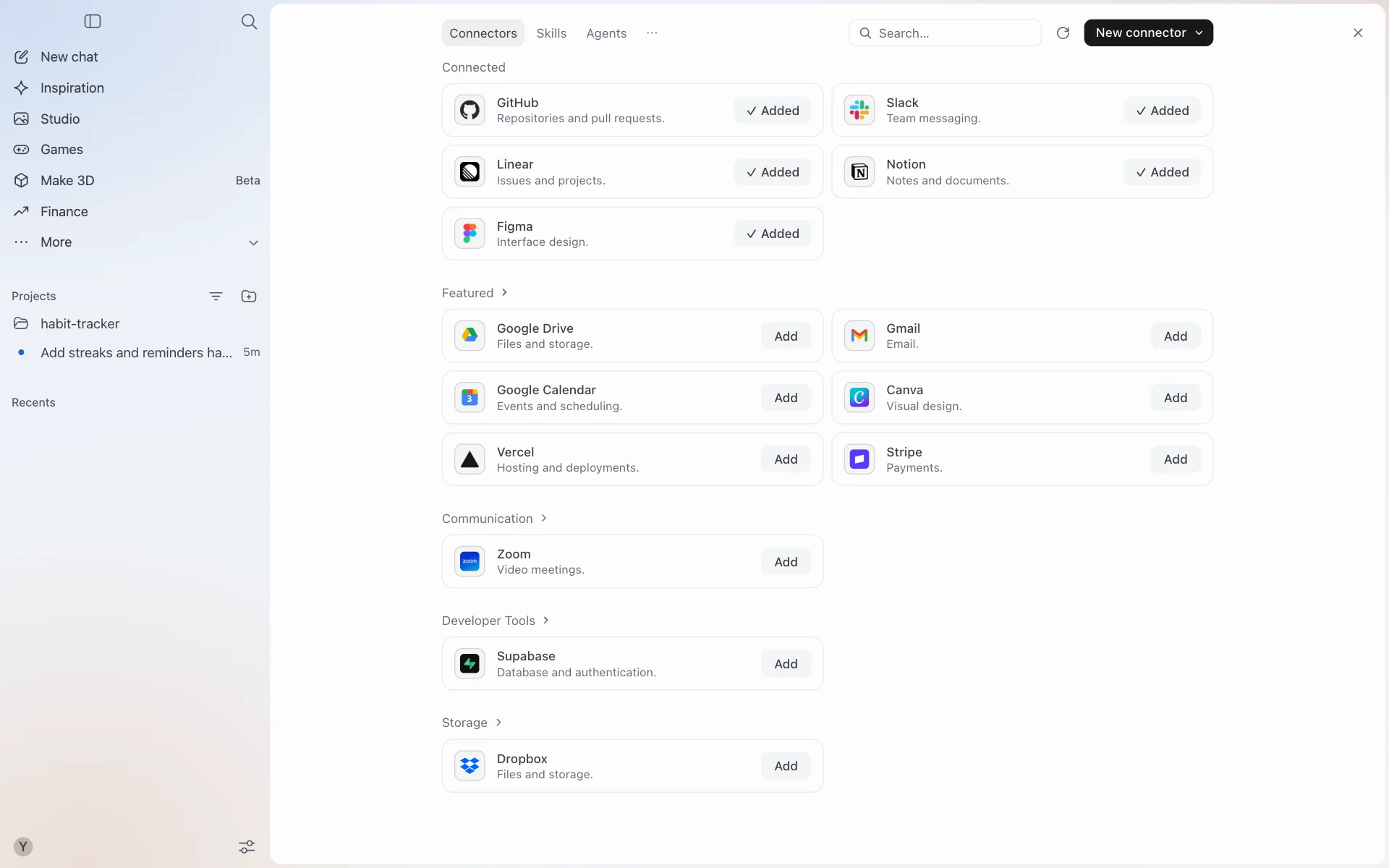
Work that starts itself.
Automations run on a schedule, when a file in your project changes, or when a page you watch changes. Briefings, reviews and page checks happen without you, and every output is kept, queued and searchable.
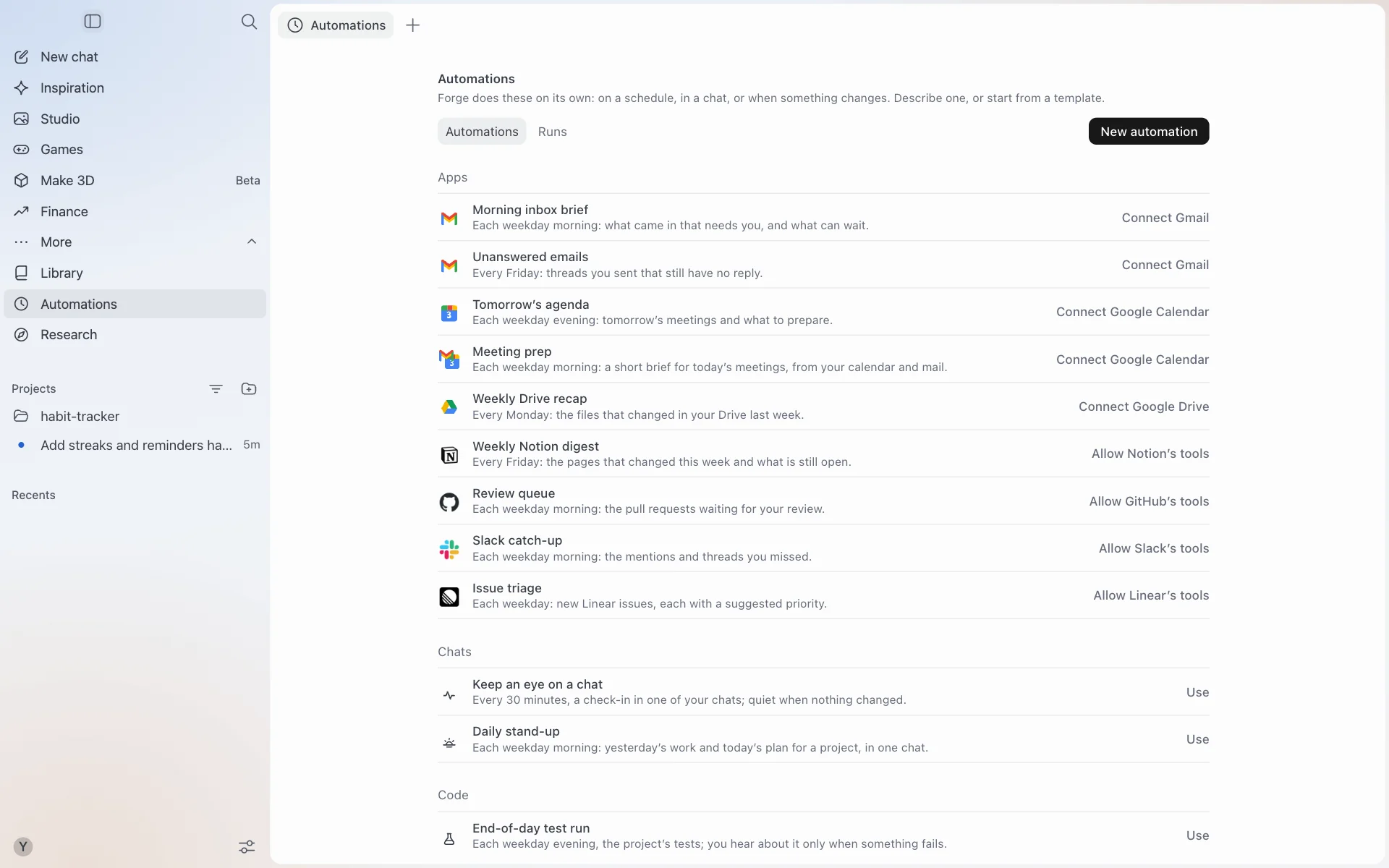
Powerful, and on a short leash. What the agent may do is decided outside it, and none of it reaches your files without you.How Forge is built
The newest models, one composer.
Pick the model per conversation, and change it whenever the work changes: Claude, GPT, Gemini, Grok, Kimi, Qwen, GLM and DeepSeek. Studio adds twenty image and video models on top.
Safe by default.
- Sandboxed. Every command runs in a container with no network and a read-only system.
- Asks first. Tools that may change your data wait until you approve them.
- Keys stay local. Sign-in tokens live in the macOS Keychain, not in files. Apps you connect through Composio keep their token with Composio.
- Nothing unasked. Changes arrive as a diff. Nothing is applied until you say so.
Same model, 32% lower cost per solved issue.
Forge and Claude Code ran the same tasks with Claude Opus 5.5, judged by tests neither saw. On 290 real GitHub issues Forge resolved 268 and Claude Code 262. One run per GitHub issue and two per small task, on one Mac; Forge’s cost is what OpenRouter charged, Claude Code’s is the cost it reports at list prices. How we measured