Questions in, sourced reports out.
Research is the part of Forge that turns a question into a report. It takes the question through five steps, and every claim in the report carries its source. Web sources show the real site and its icon, so checking a claim is one look away.
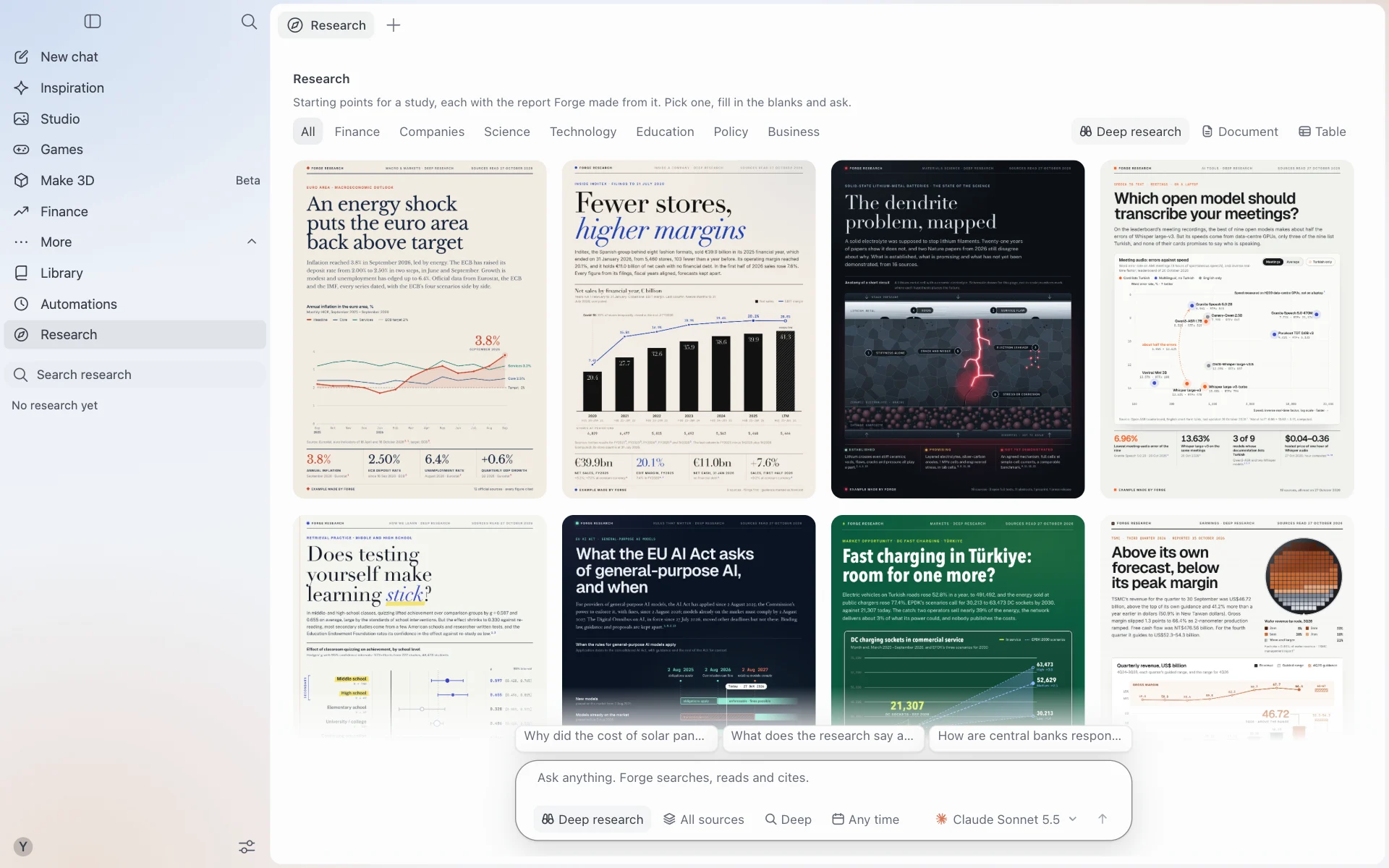
Research. Takes a question through five steps to a report where every claim carries its source.
The real Forge app with demo data. The demo has no saved research of its own, so the sidebar reads “No research yet”.
01 · Ask
Start with what you are curious about.
The Research view opens on one question: “What are you curious about?” Write it in plain words, or pick a template and press Use brief to fill the box with a brief you can edit.
- Choose a project to keep the work in, and run it Local or in the Cloud.
- Attach files with the plus button, so your own documents are part of the evidence.
- Research options set the approach: Deep dive, Compare, Verify sources or Help me decide, plus the angle, audience or question you most want understood.
02 · Templates
16 briefs, by field.
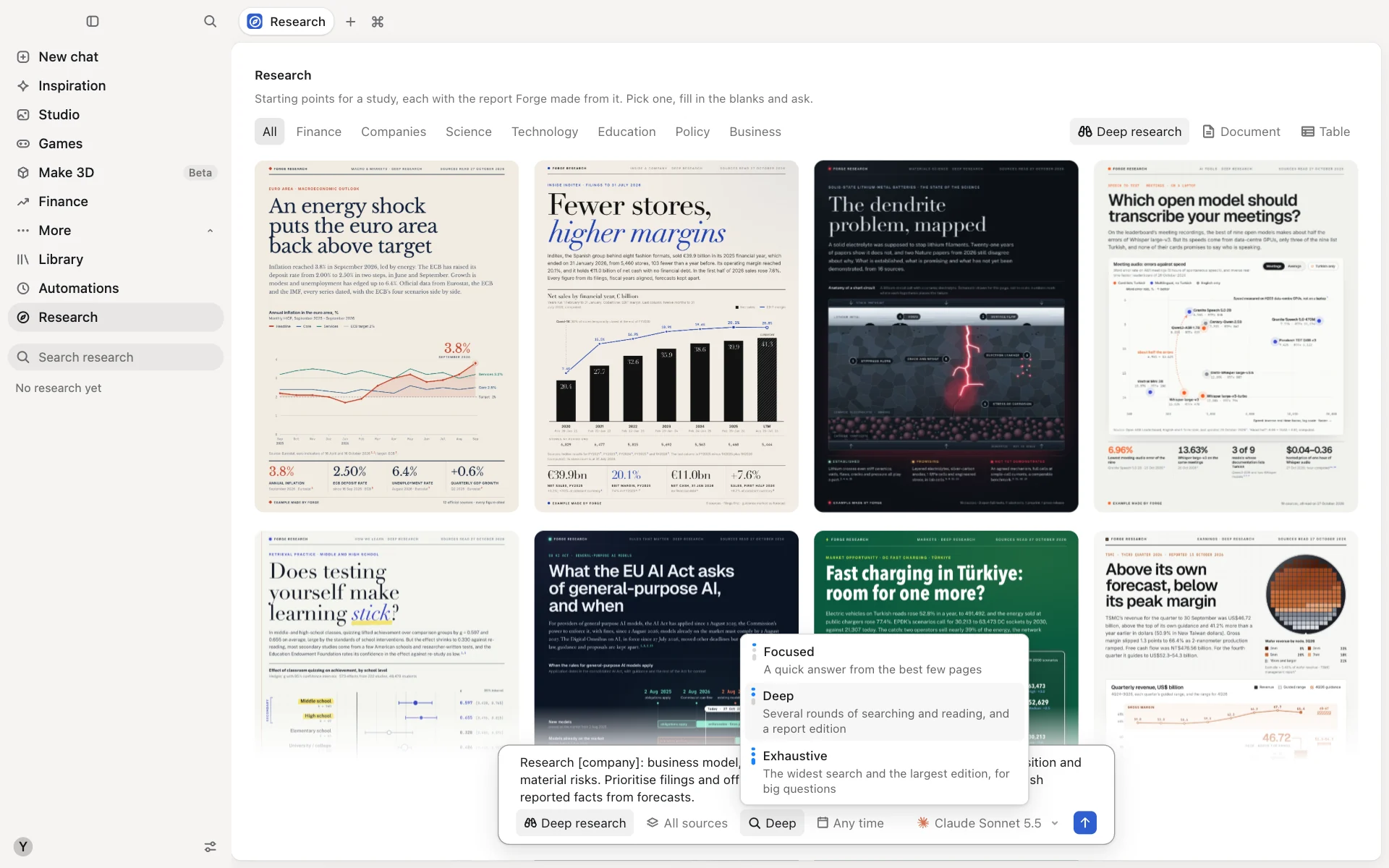
Each template is a brief written for its field, with a workflow and five steps behind it. These are the cards as the app draws them. Open a brief to read exactly what it asks for.
-
Macro and markets
Read the brief
Investigate the current macroeconomic outlook for [country or region]. Compare inflation, interest rates, employment and growth using official data. Date every series, explain competing scenarios and identify uncertainties.
-
Inside a company
Read the brief
Research [company]: business model, revenue drivers, financial health, competitive position and material risks. Prioritise filings and official statements, align fiscal periods, and distinguish reported facts from forecasts.
-
The next discovery
Read the brief
Map current scientific research on [topic]. Compare primary papers, methods and competing hypotheses. Explain what is established, what is promising and what has not yet been demonstrated.
-
AI beyond the hype
Read the brief
Compare [AI tools or models] for [use case]. Verify official documentation and independent evaluations. Compare capabilities, limitations, privacy and dated pricing. Separate measured results from marketing claims.
-
How we learn
Read the brief
Review evidence on [learning question] for [audience]. Compare study quality, populations, effect sizes and practical implications. Separate correlation from causation and explain where findings may not generalise.
-
Rules that matter
Read the brief
Research [policy or regulation] in [jurisdiction]. Use official legislation and regulators, distinguish proposals from enacted rules, cite effective dates and explain practical implications and unresolved questions.
-
Find the opportunity
Read the brief
Investigate the market opportunity for [product or service] in [region]. Evaluate demand, competitors, market structure, unit economics and barriers to entry. Label estimates and identify evidence still needed.
-
Decode the earnings
Read the brief
Analyse the latest earnings of [company]. Compare revenue, margins, cash flow, guidance and segment performance with prior comparable periods. Use filings and earnings materials, date the data and highlight accounting differences.
-
A sector in focus
Read the brief
Analyse [sector] in [region]. Map leading participants, economic drivers, structural changes and key risks using primary sources. Compare evidence and provide scenarios rather than unsupported predictions.
-
Climate and energy
Read the brief
Investigate [climate or energy question]. Prioritise peer-reviewed research and official datasets, compare methods and time horizons, distinguish observations from model projections and explain uncertainty.
-
Choose your stack
Read the brief
Compare [technologies or platforms] for [project]. Assess deployment, performance, maintainability, security and cost using official documentation. State assumptions, tradeoffs and what would change the recommendation.
-
Follow the evidence
Read the brief
Review the evidence for [education question]. Define inclusion criteria, search strategy, population and outcomes. Compare study quality and conflicting findings, explain limitations and identify evidence gaps.
-
Know the competition
Read the brief
Compare [companies or products] for [audience]. Inspect primary product evidence, compare features and dated pricing using consistent criteria, and identify positioning differences and underserved needs.
-
Make the next move
Read the brief
Build a decision brief for [business decision]. Clarify objectives and constraints, compare alternatives against consistent criteria, challenge assumptions and recommend a next step with conditions and uncertainties.
-
Design a learning path
Read the brief
Research a curriculum for [topic and audience]. Map prerequisites, learning objectives, evidence-based teaching methods, sequencing, assessment and accessibility. Explain the evidence behind the recommendations.
-
Privacy and digital rights
Read the brief
Investigate data privacy obligations for [product or organisation] in [jurisdictions]. Use official legislation and regulator guidance. Compare scope, responsibilities and effective dates, and flag issues requiring qualified legal advice.
03 · Five steps
One workflow, five steps, every time.
Every template runs the same evidence workflow. A director scopes the work, a source specialist reads primary evidence, a verifier checks the claims and a reviewer critiques the report before you read it.
Scope the question
Pins down the question, the audience, the date range, the region and the definitions.
Gather primary sources
Searches the web and the sources you have connected, primary sources, official data and peer-reviewed work first, and reads the evidence rather than search snippets.
Cross-check evidence
Keeps a source ledger: for each source, the exact address, title, publisher, publication date, access date and the claim it supports.
Analyse and challenge
Labels assumptions, contradictory evidence, data gaps and confidence. For finance it aligns fiscal periods, currencies and accounting definitions.
Write the report
An executive summary, findings, alternatives, limitations and unanswered questions, with the source ledger, an evidence table and a short methods note beside it.
04 · Sources
Every claim carries its source.
Every material claim in the report needs a source behind it. Forge's workflow tells the model never to invent citations, figures, interviews or market prices, and to say so where the evidence is thin.
Numbered in the text
Citations become numbered links inside the report, and a reference register closes it. A chart whose data or sources are incomplete is not drawn at all.
The real site and its icon
Each source in the list shows the site's own icon, its title, the publisher and the publication date, or says plainly that the date is unavailable.
Details one click away
Open a source to see its address, when it was accessed and the evidence notes, or open the page itself.
Where the evidence comes from
Sources & connections, as listed in the Research view. Coverage depends on access to each source.
| Source | What it gives | Access |
|---|---|---|
| Existing model and web research | Reasoning, source discovery and research helpers | Uses your existing model configuration |
| SEC EDGAR | US company filings and structured financial facts | Public API |
| FRED | Official economic time series | API key required for direct API integration |
| World Bank | Country and development indicators | Public data API |
| OpenAlex | Scholarly works, authors and citation networks | Free account and API key |
| Semantic Scholar | Paper discovery and citation graphs | API key; quota depends on endpoint and usage |
05 · Model
Choose the model for the question.
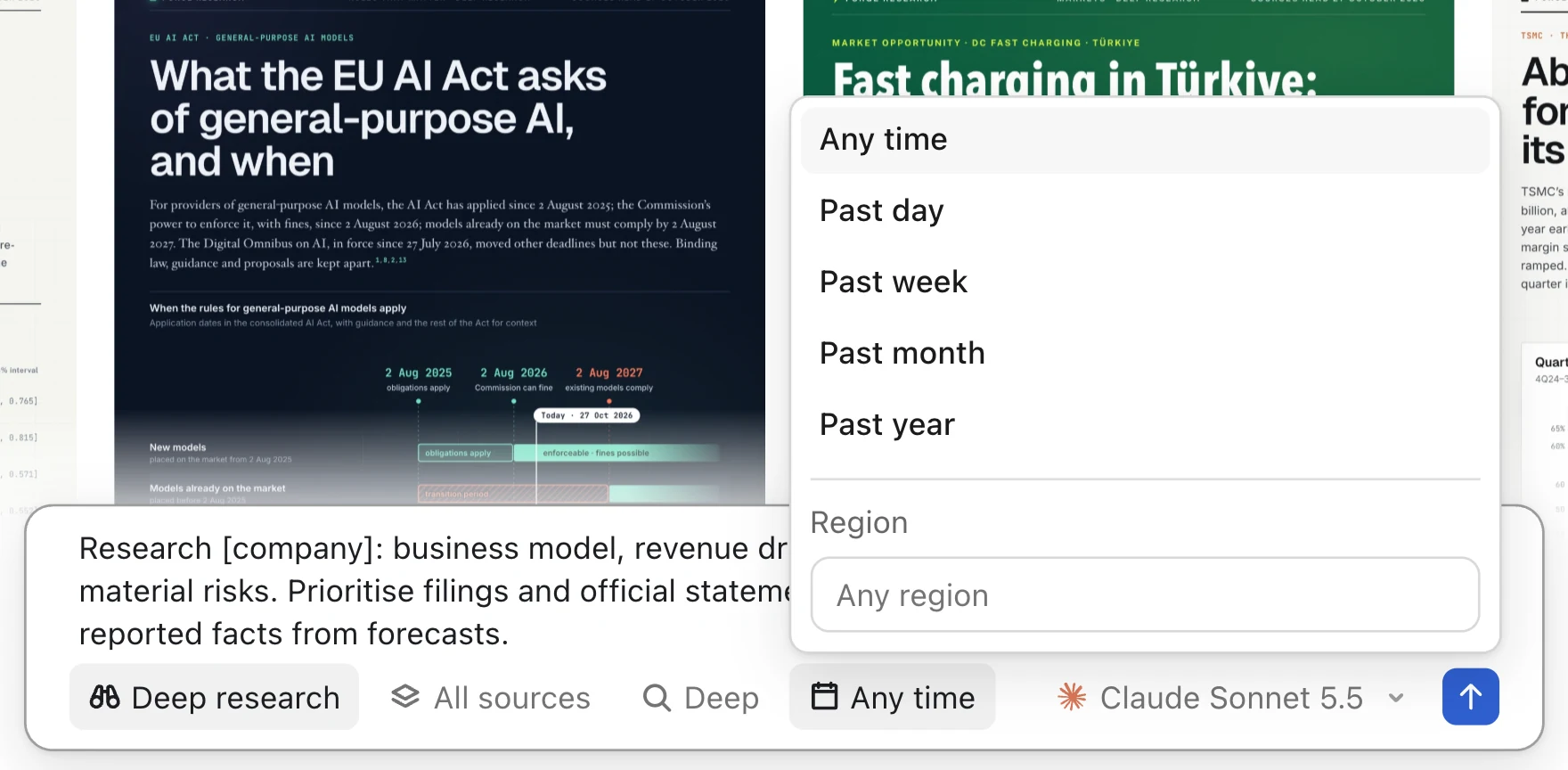
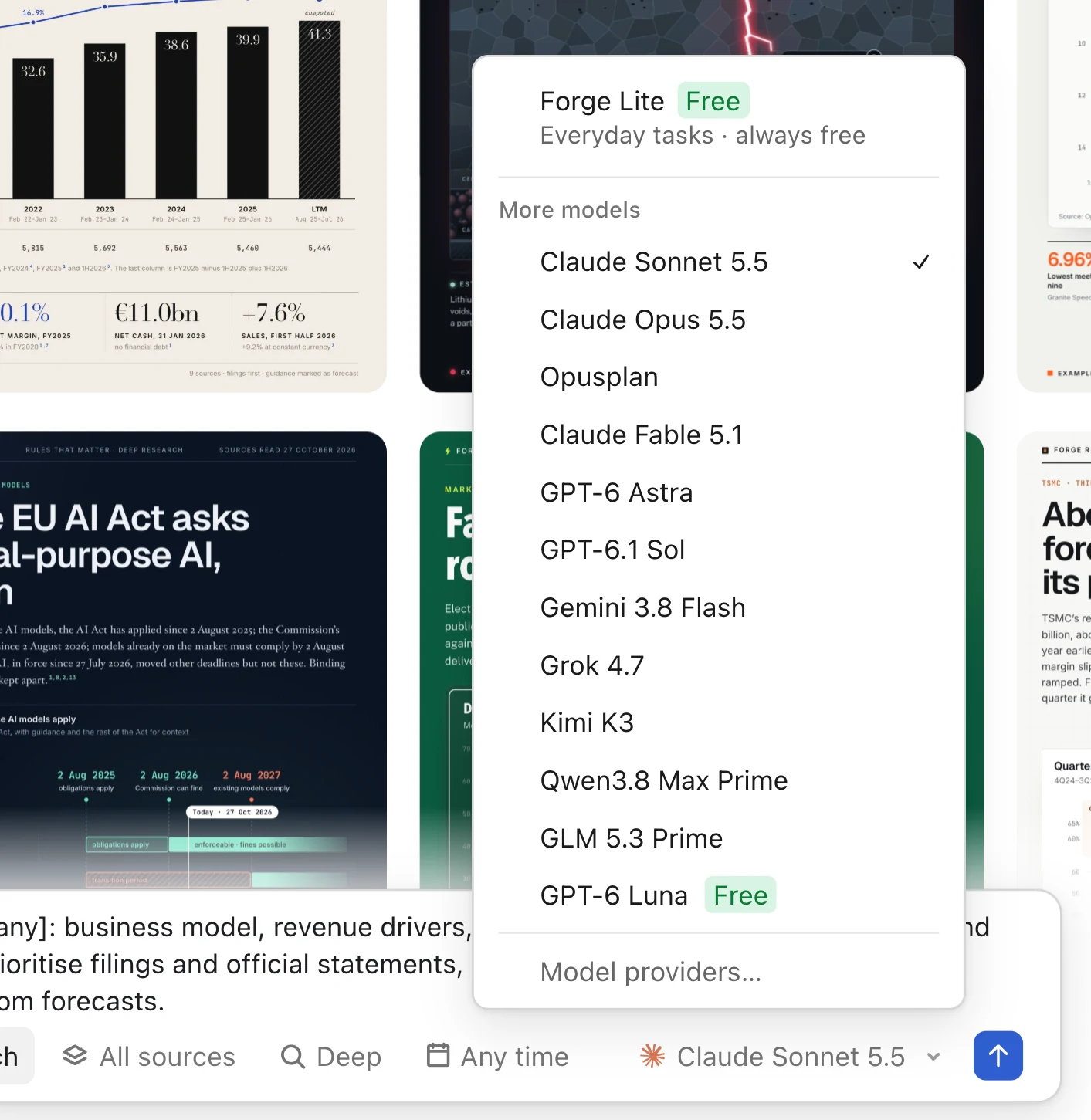
The model sits beside the question box. Research starts on Claude Sonnet 5.5, and you can change it per question.
- Forge Lite for everyday tasks, always free and on every plan.
- Claude Sonnet 5.5, strong on most work.
- Claude Opus 5.5 for harder questions; it uses your limit faster.
- More models, among them Claude Fable 5.1, GPT-6.1 Sol, Gemini 3.8 Flash, Grok 4.7 and Kimi K3.
06 · Kept
Every report stays where you can find it.
Past research is listed in the Research sidebar, with its own search. Each one opens on its report, with the files it produced and the chat that made it.
Files in your project
The report is saved as
report.md, besidesources.csv,evidence.csvand a shortmethods.md.PDF or Markdown
Download the report as a PDF with Forge letterhead, or save it as Markdown. An unfinished one is marked as a draft.
Pick it up again
Go deeper, compare alternatives or update the research with current sources. Each reuses the saved report and source ledger.
Questions
Is this the same as Cogniphic Research?
No. This page is about Research inside Forge, the Mac app. The lab's own research and benchmarks are on the Research page.
Can it make up a citation?
The workflow forbids it: every material claim needs a supporting source, and the model is told not to invent citations, figures, interviews, live market prices or tools it did not use. A source missing its publication date is shown as “Publication date unavailable”.
Can it read my own documents?
Yes. Attach files to the question. Research helpers can read project files and cross-check the evidence saved there.
What does it cost?
Research is part of every plan, including Free, where Forge Lite is always free. Pro, Pro+ and Max add every model. See pricing.
Where does it run?
On your Mac, or on the cloud runtime: choose with the Local button above the question box.