Studio·Image and video
Write the shot once. Render it with every model.
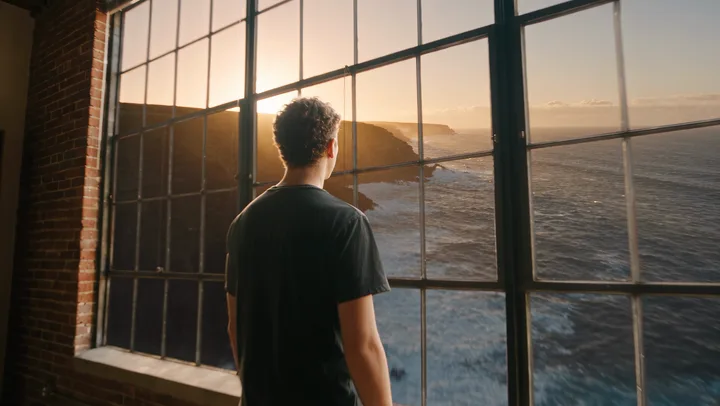
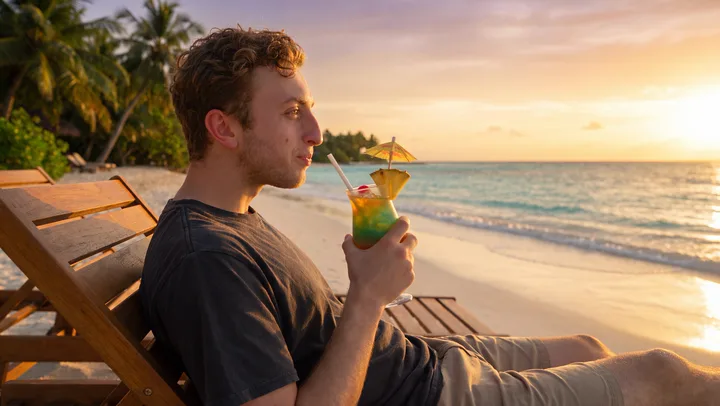
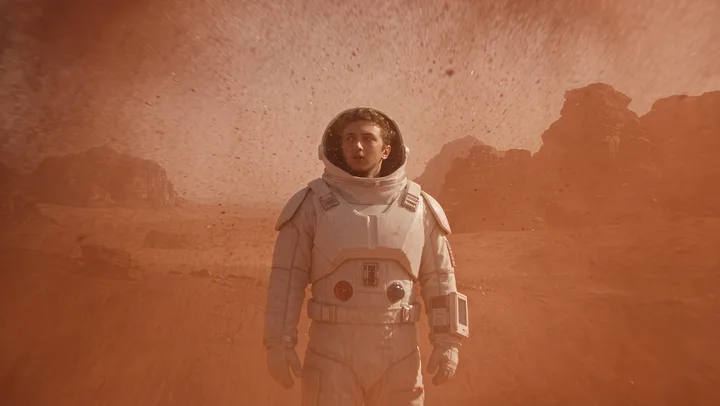
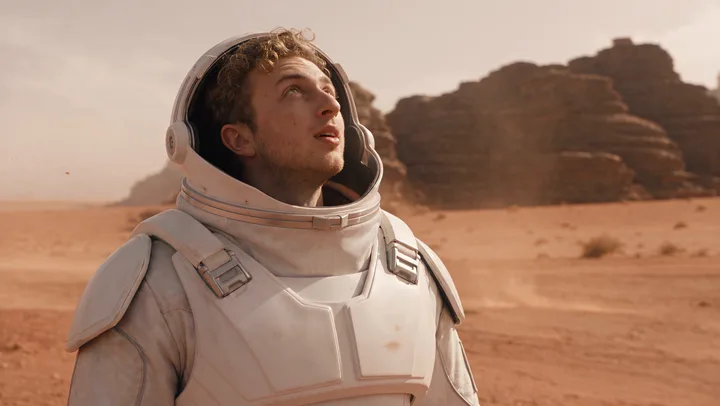
Studio puts twenty image and video models in one panel, shows the price before every take, and cuts the takes into a film on one timeline. The frames below come from our own launch film.
- Seedance 2.5
- Veo 3.1
- Kling 3.0 Pro
- Runway Gen-4.5
- Sora 2 Pro
- GPT Image 2.5
- Nano Banana Pro
- FLUX.2 Max
- Twenty models, one timeline
- MP4 · H.264 · 30 fps
- 20 models
- Price before every take
- MP4 · H.264
The workflow
From one line
to a finished cut.
- Write the shot
One description of the scene, with reference images if you have them. It is written once and travels with every take.
- Choose the models
Pick one or several. The menu shows each maker’s logo beside its models, image and video together.
- See the price first
Every take shows what it will cost before it runs. Generation goes through your own OpenRouter account.
- Cut the film
Takes land on one timeline. Trim, order and export: MP4, H.264, 30 frames a second.
The models
Every frontier model,
side by side.
The same shot, rendered by different makers, compared on one screen before you spend more on any of them. Some of the twenty:
- Seedance 2.5ByteDanceVideo
- Veo 3.1GoogleVideo
- Kling 3.0 ProKuaishouVideo
- Sora 2 ProOpenAIVideo
- Runway Gen-4.5RunwayVideo
- GPT Image 2.5OpenAIImage
- Nano Banana ProGoogleImage
- FLUX.2 MaxBlack Forest LabsImage
The film
Four scenes.
One timeline.
Our launch film was made this way: one description per scene, several models per description, the best take of each cut together.