Forge·The Mac app
Your whole AI team,
in one Mac app.
Forge builds software, makes images and films, researches, makes games, works with your tools and runs on a schedule, with every frontier model in one place. Every change is tested in a sandbox before you see it. What you see below is the real app, running in this page with demo data.
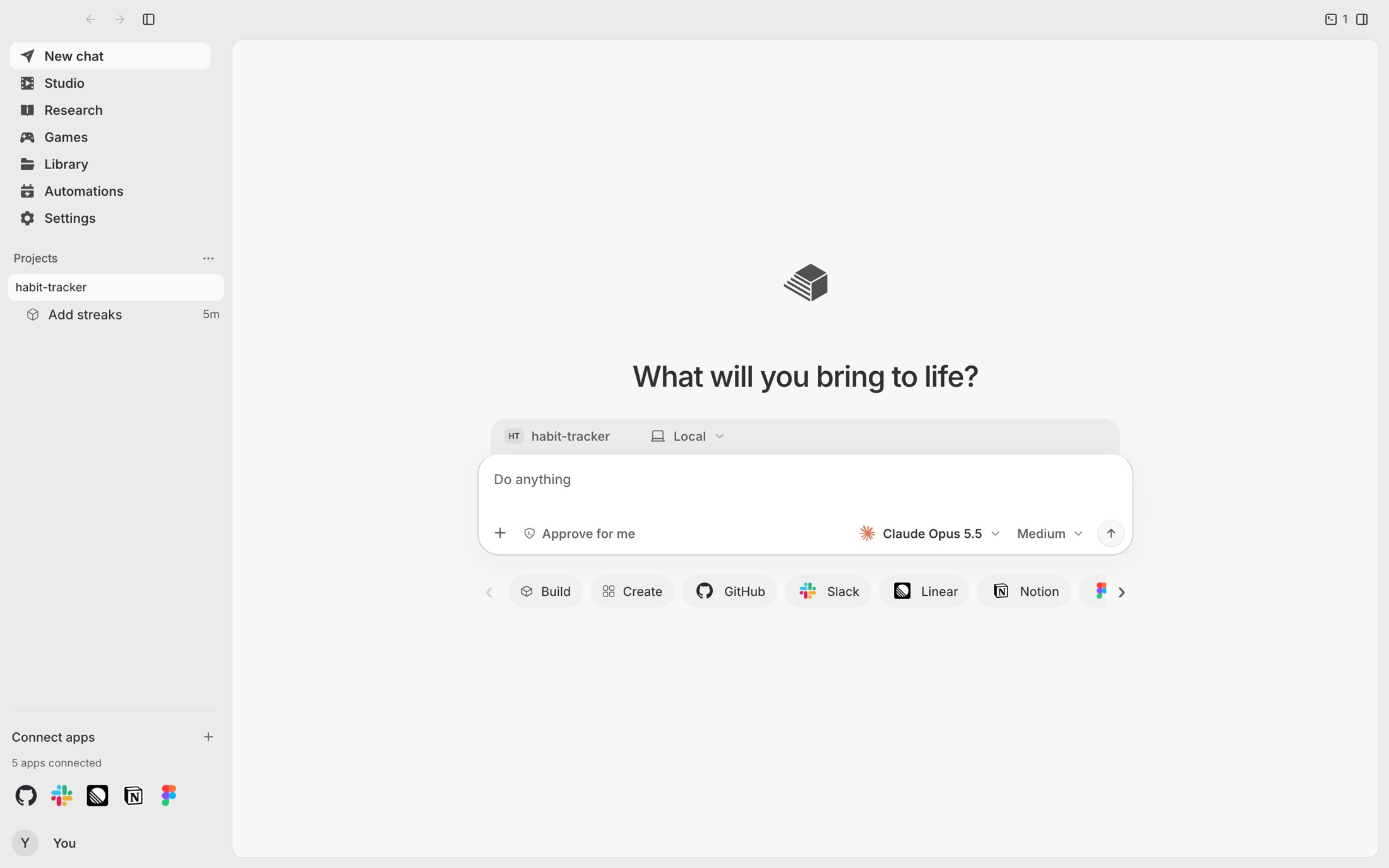
This is the real app with demo data, not a video. Pick a part to open it, or click around.
- Six workspaces
- Every frontier model
- Runs on your Mac
The launch film
Forge, now
a Cogniphic product.
Our launch film, recut: why we rebuilt it from the core in Rust, what it does today, and how Runtime, Research, Studio, Security and Compute made it better.
2 min 18 s · with sound.
Six workspaces
One app.
Everything you make.
Forge isn’t six tools glued together. It is one agent with six places to work, sharing the same models, the same safety rules and the same history.
How a task runs
From one sentence
to a change you can trust.
Every task in Forge moves through the same five steps. Here is a real one from the demo: streaks and reminders for a habit tracker.
- You ask
Describe what you want in plain words: a feature, a fix, a film, a report, a game.
- It reads the project
The context engine maps every symbol and picks the files that matter, so the model reads the right code and nothing else.
- It works in a sandbox
Commands run in a container with no network and a read-only system. Your files are untouched while it works.
- Tests decide
Related tests first, then the whole suite. A failing check sends the work back to repair, with the failure in hand.
- You review
A diff for every file, with the results beside it. Apply it, reject it, or undo it later.
Buildhabit-tracker · demo
› add streaks and reminders to the habit tracker, and test it
  context   read src/store.ts · src/date.ts · src/App.tsx
  sandbox   docker · network none · root read-only
  edit      src/store.ts +15 −4 · src/App.tsx +6 −2
  write     src/store.test.ts · 4 new tests
  verify    related tests      ✓ 4 passed
  verify    whole suite        ✓ 31 of 31
  review    3 files prepared · nothing changes until you apply
Build
Software, built and
proven before you see it.
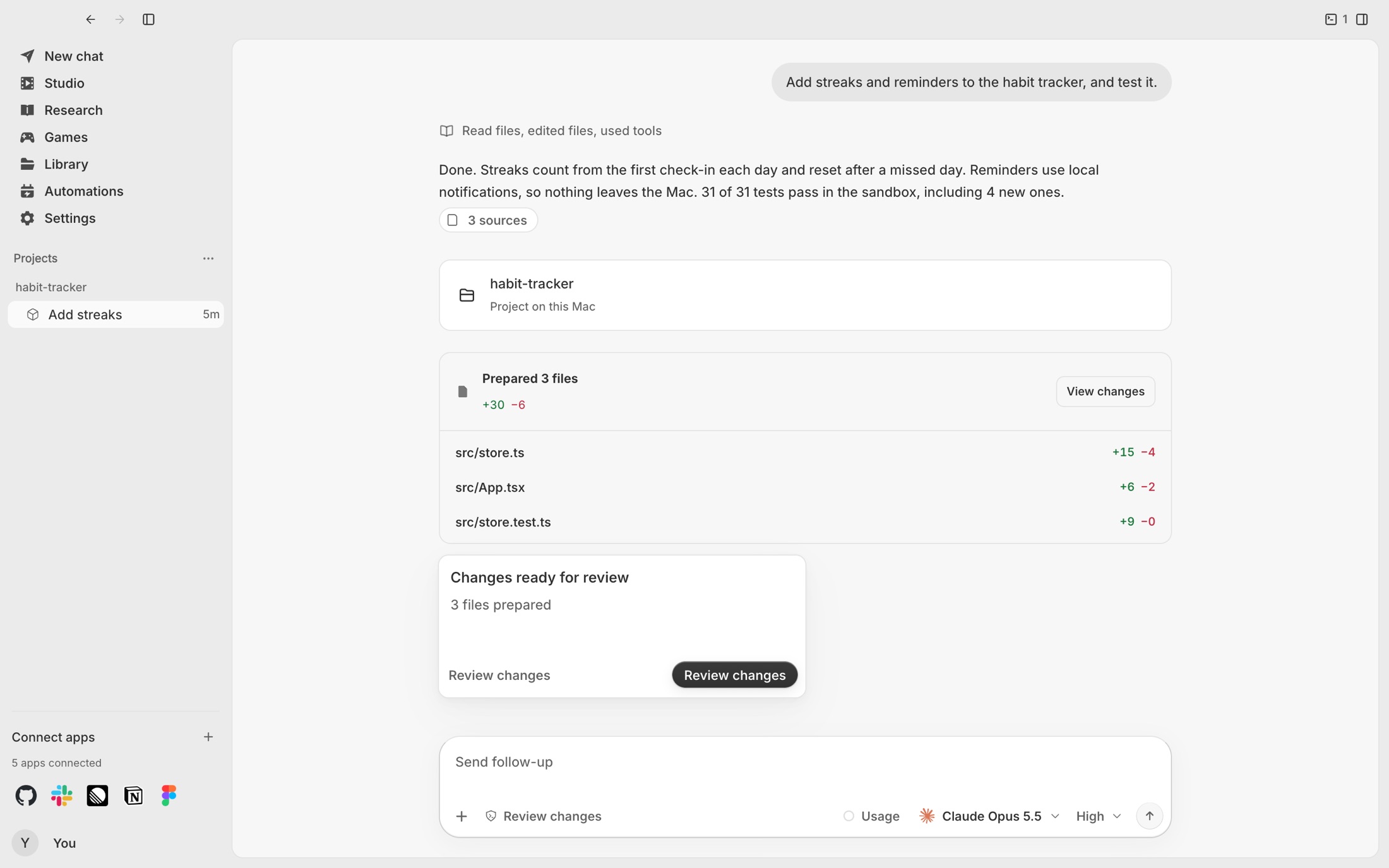
Build works in your project folder, with your own terminal beside it. It reads what it needs through the context engine, writes the change in a sandbox, runs your tests, and hands you a finished proposal. Long runs pick up where they stopped, and a preview shows what was built.
- Works in your project folder, your terminal beside it
- Long runs resume where they stopped
- A preview of the result and a diff for every file
Studio
Write the shot once.
Render it with every model.

Studio puts twenty image and video models in one panel. Write a scene once, render it with several makers side by side, see the price before every take, and cut the best takes into a film on one timeline.
- Twenty models in one menu, each maker’s logo beside it
- A live price before every take
- A timeline that exports MP4, H.264, 30 fps
Research
Questions in,
sourced reports out.
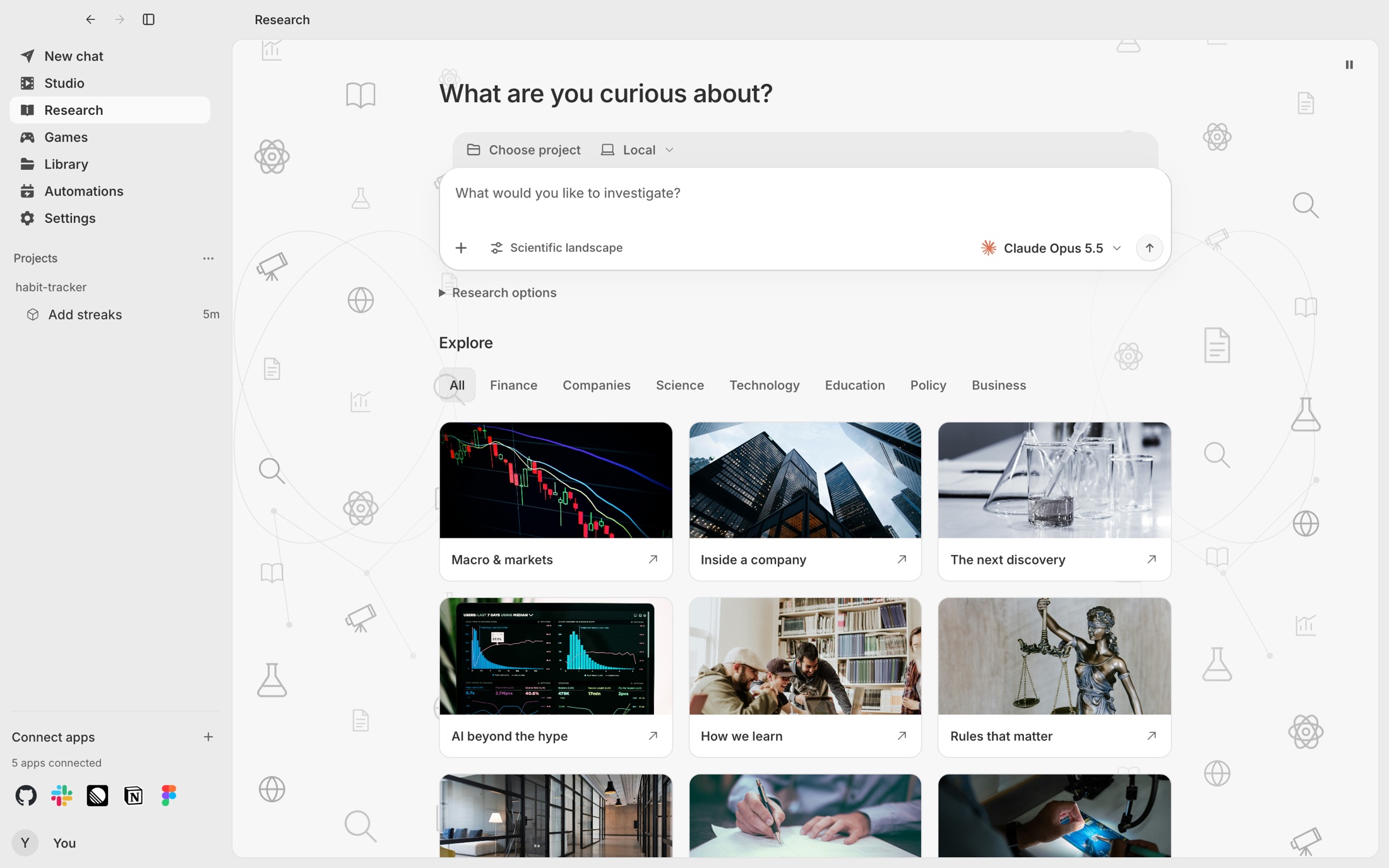
Research takes a question through five steps to a report where every claim carries its source. Web sources show the real site and its icon, so checking a claim is one look away.
- Five steps from a question to a report
- Every claim carries its source
- Web sources show the real site and its icon
Games
Describe a game.
Play it the minute it’s built.
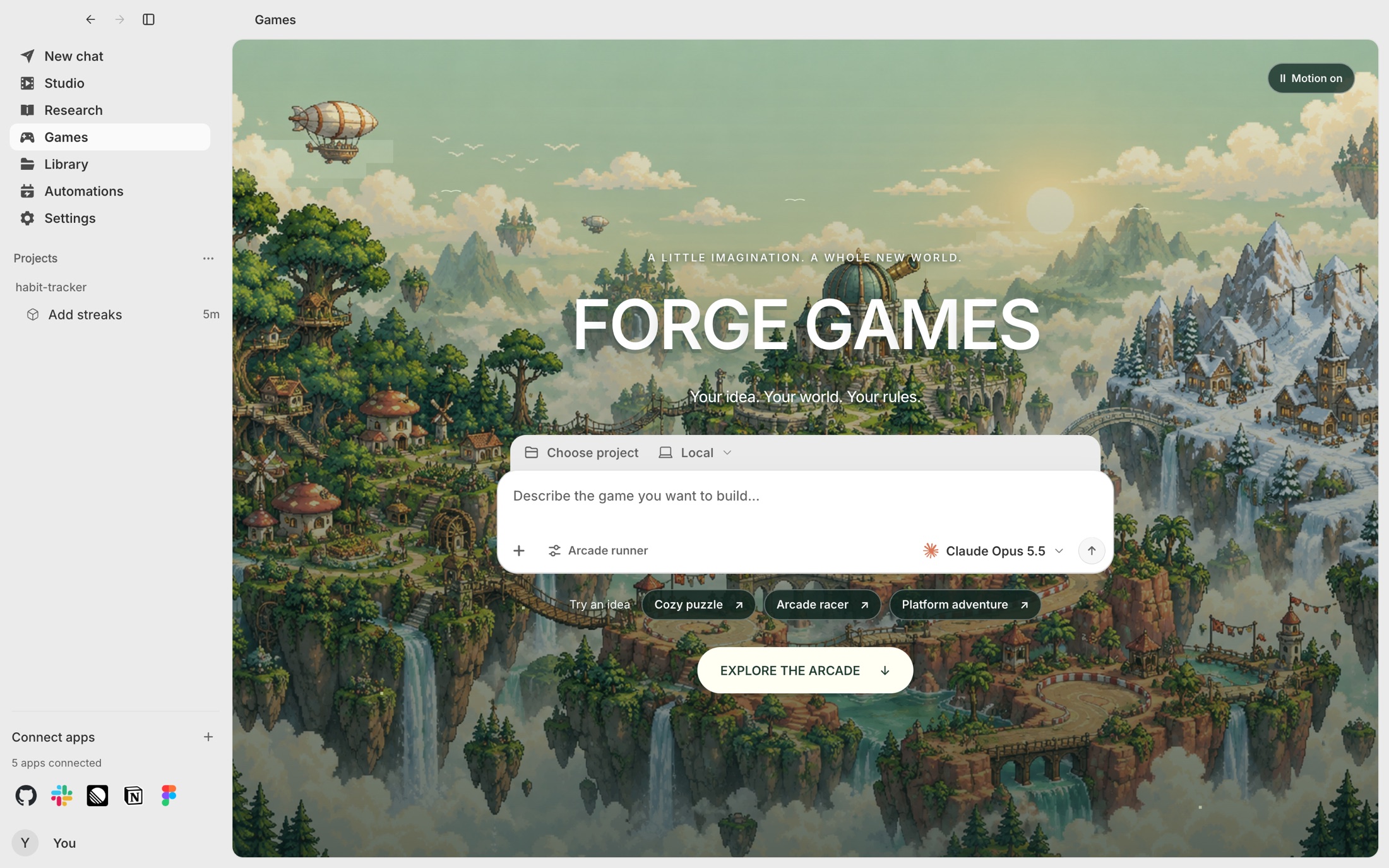
Games turns a description into something you can play right away. Every game is kept with the prompt that made it, and each version plays in isolation, so trying a new idea never breaks the last one.
- From a description to a playable game
- Every game kept with its original prompt
- Each version plays in isolation
Plugins
Your tools,
connected once.
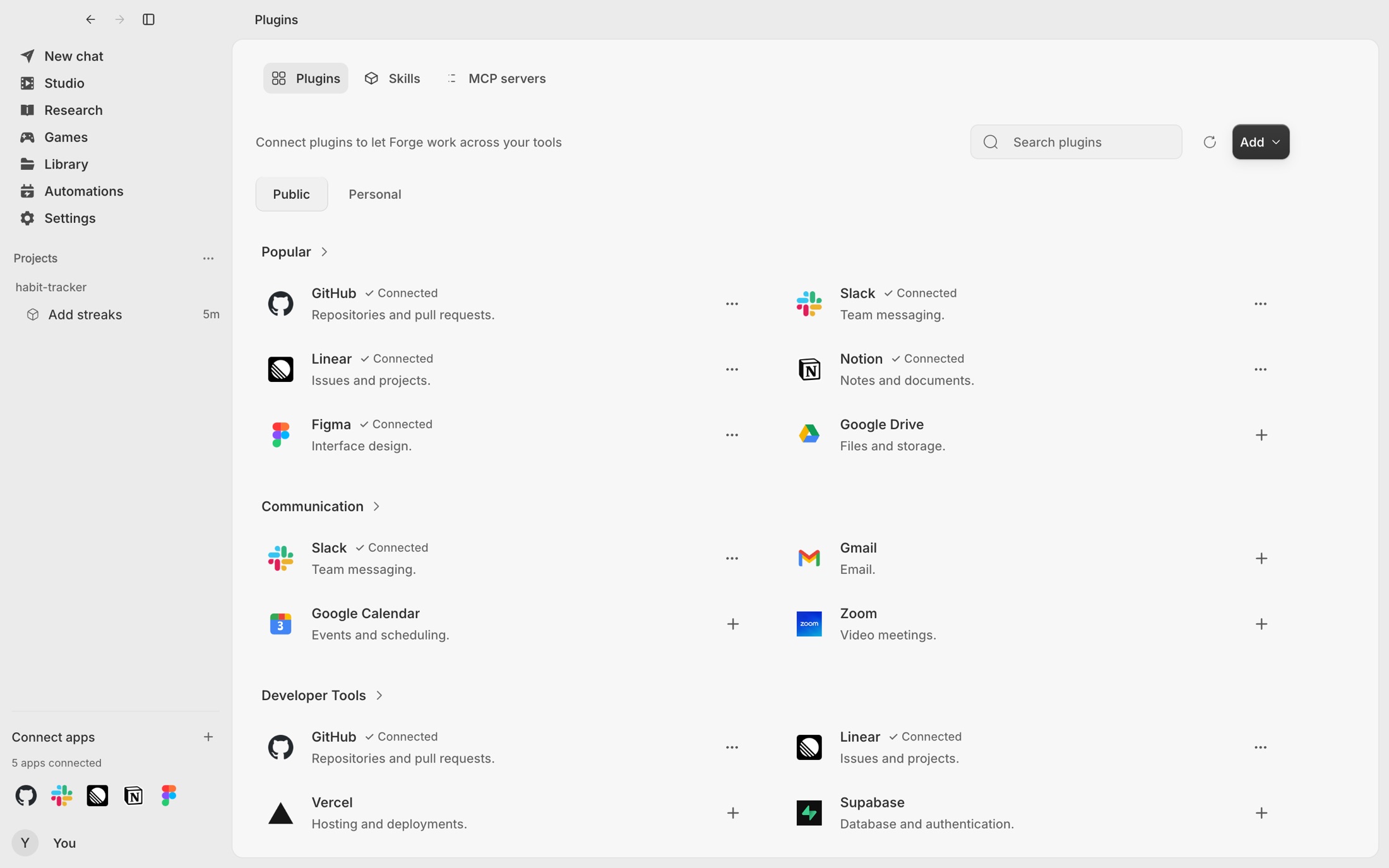
Plugins connect Forge to GitHub, Slack, Linear, Notion, Figma and the rest of the catalog over MCP. You sign in once; tokens stay in the macOS Keychain, and any tool that may change your data asks before it runs.
- GitHub, Slack, Linear, Notion, Figma and more
- One-click sign-in, tokens kept in the Keychain
- Tools that may change your data ask first
Automations
Work that
starts itself.
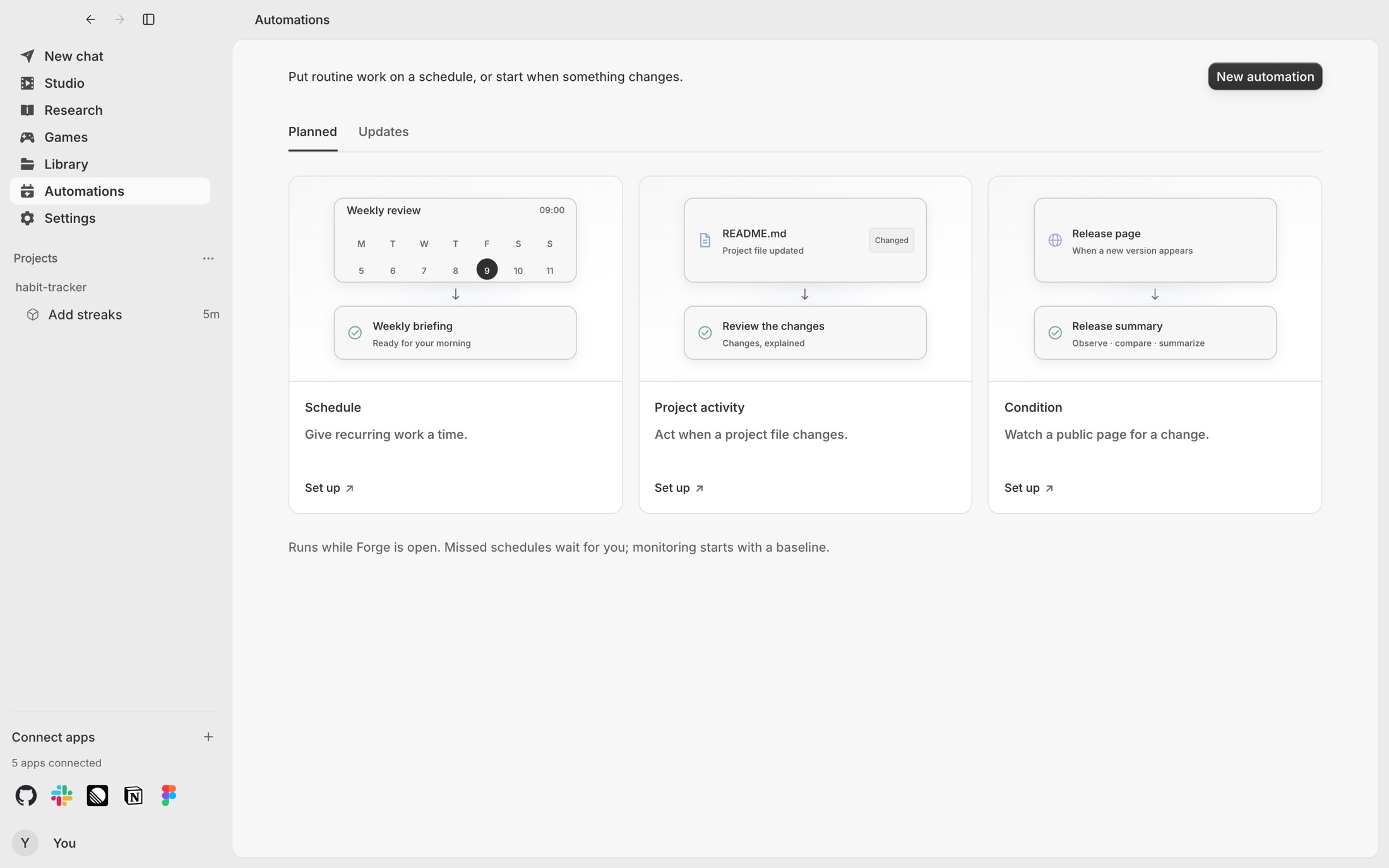
Automations run on a schedule, when a file in your project changes, or when a page you watch changes. Briefings, reviews and page checks happen without you, and every output is kept, queued and searchable.
- On a schedule, a file change or a page change
- Briefings, reviews and page checks
- Outputs kept, queued and searchable
Models
Every frontier model,
one composer.
Pick the model per conversation, and change it whenever the work changes. Studio adds twenty image and video models on top.
- Claude
- GPT
- Gemini
- Grok
- Kimi
- Qwen
- GLM
- DeepSeek
Safe by default
Powerful, and
on a short leash.
The agent can do a lot. What it may do is decided outside it, and none of it reaches your files without you.
- Sandboxed
Every command runs in a container with no network and a read-only system.
- Asks first
Tools that may change your data wait for your approval, every time.
- Keys stay local
Sign-in tokens live in the macOS Keychain, never in a file.
- Nothing unasked
Changes arrive as a diff. Nothing is applied until you say so.
Measured
Half the cost,
every task accepted.
Our first study ran Forge’s engine 312 times against hidden tests. With the context engine and the cache, the same model did the same work for half the cost.